01
Waar worden bestellingen vandaan verzonden en hoe lang duurt de levering?
De meeste iKAGOO-bestellingen worden verzonden vanuit onze fulfilment
locatie in China nadat de productconfiguratie en voertuig
informatie zijn gecontroleerd.
De normale orderverwerking is ongeveer
1-3 werkdagen.
De geschatte levering na verzending is over het algemeen:
- VS & Canada: ongeveer 5–9 werkdagen
- Europese Unie: ongeveer 7–15 werkdagen
- VK & Australië: ongeveer 7–10 werkdagen
- Andere ondersteunde regio's: ongeveer 7–20 werkdagen
Douaneafhandeling, feestdagen, weer, vertragingen van vervoerders en
bezorging in afgelegen gebieden kunnen deze schattingen beïnvloeden.
02
Moet ik btw, invoerrechten of douanekosten betalen?
Standaard internationale verzending omvat normaal gesproken geen
btw van het bestemmingsland, invoerrechten, makelaarskosten of
douaneafhandelingskosten.
Voor in aanmerking komende bestemmingen in de Europese Unie,
DDP-verzending kan beschikbaar zijn.
Importgerelateerde kosten zijn alleen inbegrepen wanneer DDP is geselecteerd
bij het afrekenen of schriftelijk bevestigd door iKAGOO vóór verzending.
Wanneer DDP niet is geselecteerd, zijn de kosten die door de lokale douane
of de vervoerder worden geïnd, normaliter de verantwoordelijkheid van de ontvanger.
03
Kan ik expresverzending aanvragen en hoe volg ik het pakket?
Express- of versnelde verzending kan beschikbaar zijn voor geselecteerde
producten en bestemmingen. Beschikbaarheid, vervoerder en eventuele
extra kosten worden vóór verzending bevestigd.
Afhankelijk van de route en het producttype kan iKAGOO gebruikmaken van DHL,
FedEx, UPS, EMS, 4PX of een andere trackbare logistieke dienstverlener.
Na verzending worden het trackingnummer of de trackinglink
normaal gesproken naar het e-mailadres gestuurd dat voor de bestelling is gebruikt.
Het kan enkele werkdagen duren voordat trackingupdates verschijnen
tijdens internationale overdrachten tussen vervoerders.
04
Wat is het retour- en restitutiebeleid?
De teruggaafgeschiktheid hangt af van de reden voor retour, product
conditie, installatiestatus, ondersteunend bewijs en
of de retour is goedgekeurd door iKAGOO.
Voor een goedgekeurde retour zonder defecten moet het product normaal gesproken
ongebruikt, niet geïnstalleerd, compleet en geschikt voor doorverkoop blijven.
De klant is over het algemeen verantwoordelijk voor de goedgekeurde
retourverzendkosten.
Originele verzendkosten, DDP, btw, douanerechten en andere logistieke
kosten zijn over het algemeen niet restitueerbaar, tenzij wettelijk vereist of
anderszins bevestigd door iKAGOO.
Stuur een product niet terug voordat u een goedgekeurd
retouradres en retourinstructies van iKAGOO heeft ontvangen.
05
Wat als het product na een compatibiliteitsbeoordeling nog steeds niet kan worden geïnstalleerd?
Extra bescherming kan van toepassing zijn wanneer iKAGOO de
voertuigcompatibiliteit heeft beoordeeld, de klant nauwkeurige voertuiginformatie
heeft verstrekt en redelijke installatie- en diagnosestappen
zijn uitgevoerd.
Als iKAGOO bevestigt dat er geen redelijke technische oplossing
beschikbaar is en het probleem wordt gemeld binnen
7 kalenderdagen na levering,
kan de klant mogelijk in aanmerking komen voor een terugbetaling van de productprijs
zonder dat het product geretourneerd hoeft te worden.
Originele verzendkosten, DDP, btw, douanerechten en andere
kosten van derden zijn niet inbegrepen in deze terugbetaling van de productprijs.
06
Welke garantie wordt geboden en vervalt deze door het openen van het product?
In aanmerking komende producten omvatten een
12 maanden beperkte hardwaregarantie
die geverifieerde productiefouten en in aanmerking komende hardwarestoringen
onder normaal gebruik dekt.
Afhankelijk van het geverifieerde probleem kan ondersteuning bestaan uit diagnose op afstand,
configuratiehulp, vervangende onderdelen,
reparatie, vervanging, gedeeltelijke terugbetaling of volledige terugbetaling.
Inspectie of onderzoek door een derde partij leidt niet automatisch
tot verval van de volledige garantie. Schade veroorzaakt door
ongeautoriseerde reparatie, onjuiste modificatie, kapotte circuits,
onjuiste hermontage, onjuiste bedrading, stootschade, binnengedrongen water
of verkeerd gebruik wordt echter normaal gesproken niet gedekt.
Neem vóór het demonteren, modificeren of repareren
contact op met iKAGOO, zodat de juiste diagnostische procedure kan worden verstrekt.
07
Wat als mijn bestelling beschadigd aankomt of als er onderdelen ontbreken?
Neem contact op met iKAGOO binnen
7 kalenderdagen na levering
en bewaar de originele verpakking, verzendlabel, accessoires
en het product.
Gelieve duidelijke foto’s of video’s aan te leveren waarop het volgende te zien is:
- De buitenverpakking en het verzendetiket
- Zichtbare verpakkingsschade
- Het product en het getroffen gebied
- Alle accessoires en bedrading ontvangen
Na verificatie kan iKAGOO een verzending van ontbrekende onderdelen,
vervanging, reparatie, restitutie of een andere redelijke oplossing regelen.
08
Wat als ik de verkeerde versie heb besteld of mijn bestelling moet wijzigen?
Neem zo snel mogelijk en vóór installatie contact op met iKAGOO.
Voor adres-, voertuigconfiguratie- of productwijzigingen kunt u
ons het beste binnen
12 uur na het plaatsen van de bestelling.
Een ruil of retour kan worden goedgekeurd wanneer een onjuist
geselecteerd product ongebruikt, niet geïnstalleerd, compleet en
geschikt voor wederverkoop blijft. Klanten zijn doorgaans verantwoordelijk voor
relevante verzendkosten en prijsverschillen.
Voertuigspecifieke producten kunnen kort na betaling in inkoop, programmering,
testen of configuratie gaan. Zodra de voorbereiding
of verzending is gestart, kan annulering niet langer mogelijk zijn,
of kunnen redelijke reeds gemaakte kosten worden afgetrokken.
09
Wat is inbegrepen in het pakket?
De inhoud van het pakket varieert per product, voertuigmodel, fabriekssysteem
en geselecteerde configuratie.
Afhankelijk van het product kan het pakket het hoofdapparaat,
voertuigspecifieke bedradingskabels, CANBUS-interface,
adapters, USB-kabels, antennes, microfoons, montagemateriaal
of andere vereiste installatieaccessoires bevatten.
Raadpleeg de relevante productfoto's, specificaties en
orderbevestiging voor de exacte inhoud van uw bestelling.
10
Hoe neem ik contact op met iKAGOO voor technische ondersteuning of after-salesondersteuning?
U kunt iKAGOO bereiken via het contactformulier op de website,
WhatsApp of andere beschikbare ondersteuningskanalen. De typische
responstijd is binnen 24 werkuren.
Neem voor een snellere technische diagnose uw bestelnummer,
voertuigmodel en -jaar, relevante foto's van het fabriekssysteem,
productfoto's en een duidelijke video met het probleem op.
Neem contact op met iKAGOO-ondersteuning →
11
Is betaling veilig en zijn er termijnopties beschikbaar?
Betalingen worden verwerkt via de veilige betaalmethoden
die tijdens het afrekenen worden weergegeven.
Beschikbare kaart-, portemonnee- en termijnopties kunnen variëren per
land, valuta, betalingsprovider en klantgeschiktheid.
Termijndiensten, inclusief opties aangeboden door PayPal of
een andere betalingsprovider, blijven onderworpen aan de regionale beschikbaarheid en goedkeuringsvereisten van die provider.
Deze sectie is een vereenvoudigde klantgids. De volledige gepubliceerde
beleidspagina's, orderbevestiging en toepasselijke consumentenwetgeving hebben
voorrang als de formulering verschilt.




















Lorenzo Ferrari -
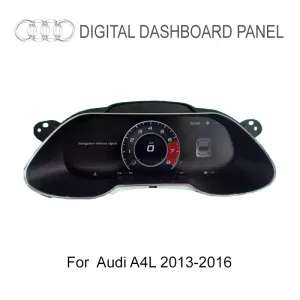
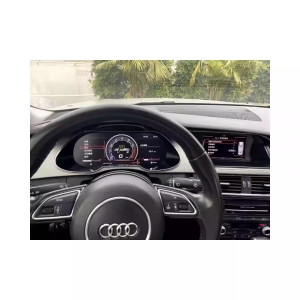
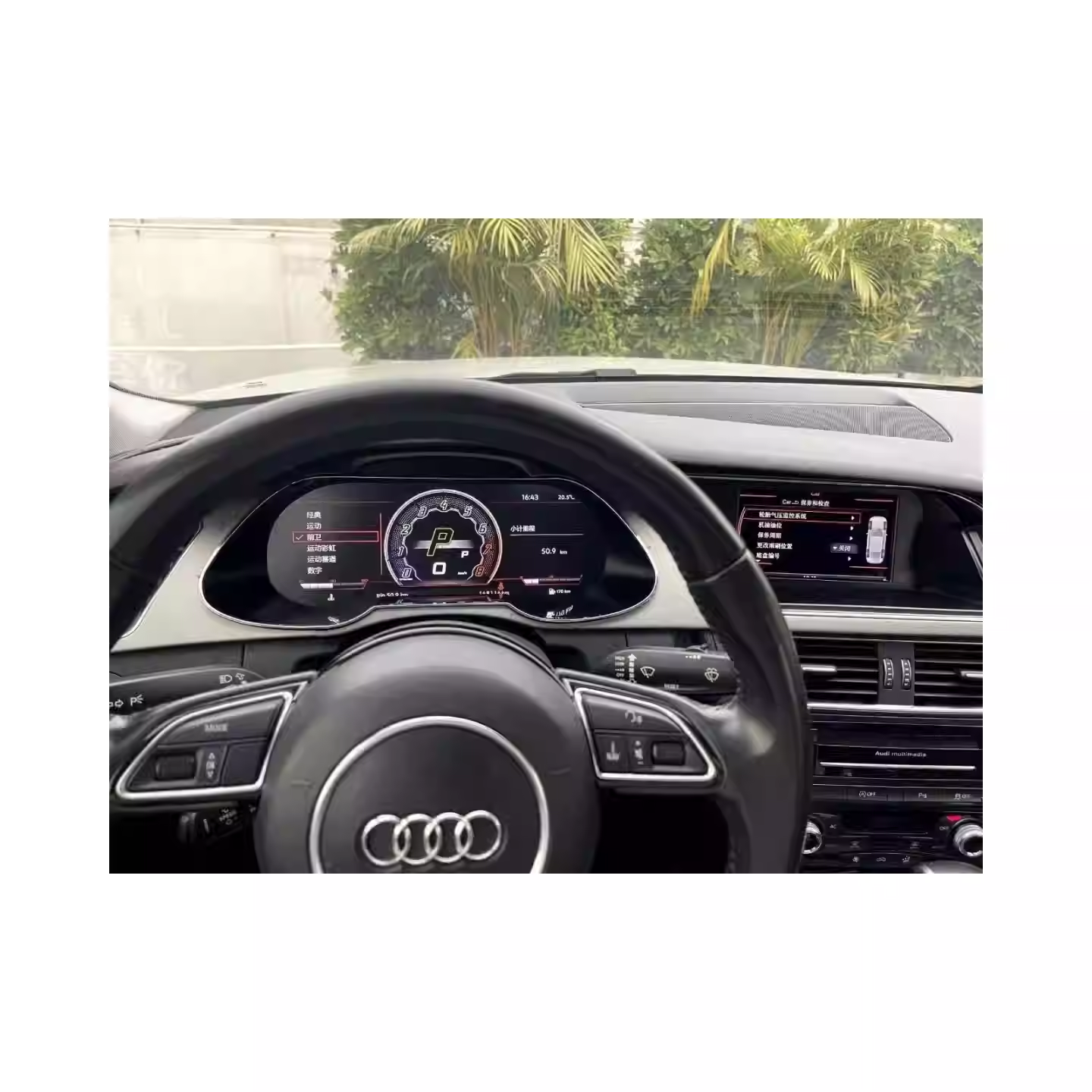
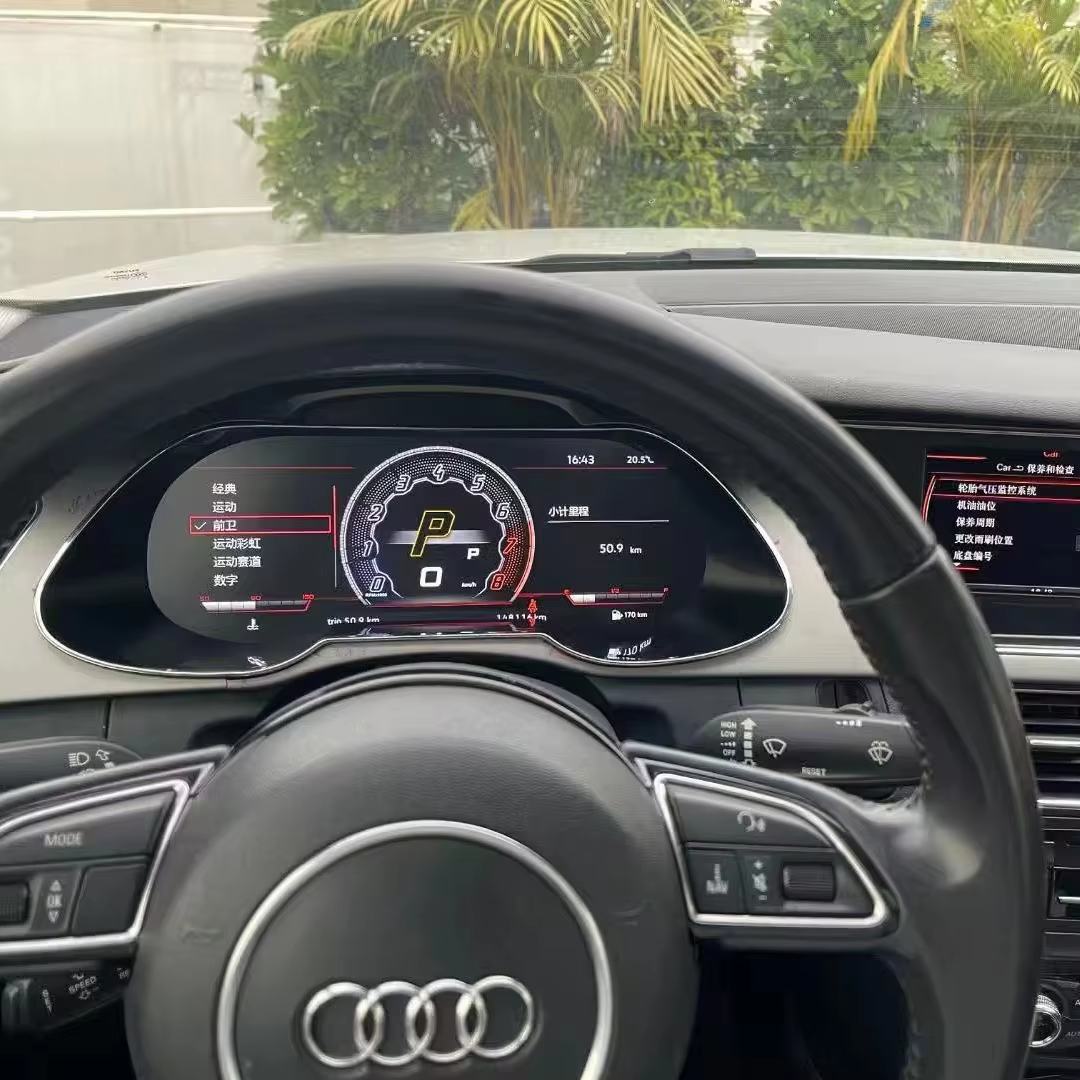
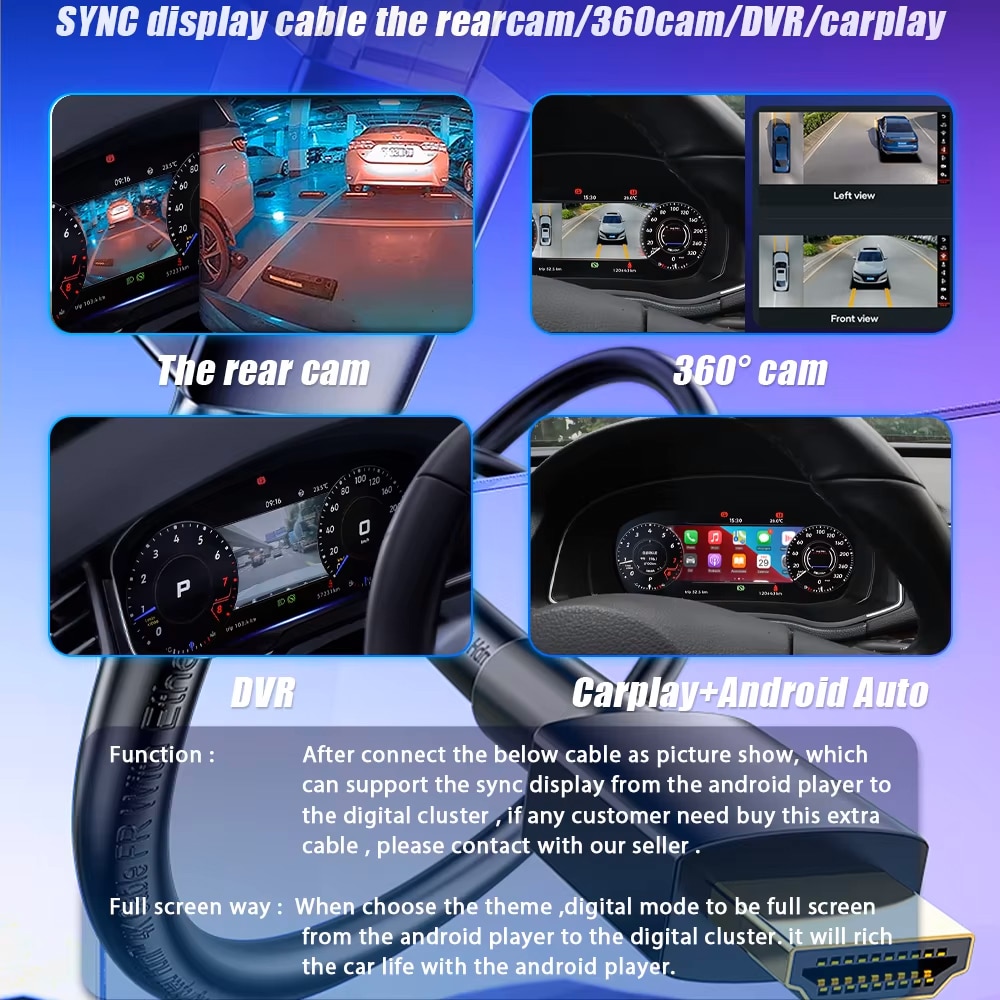
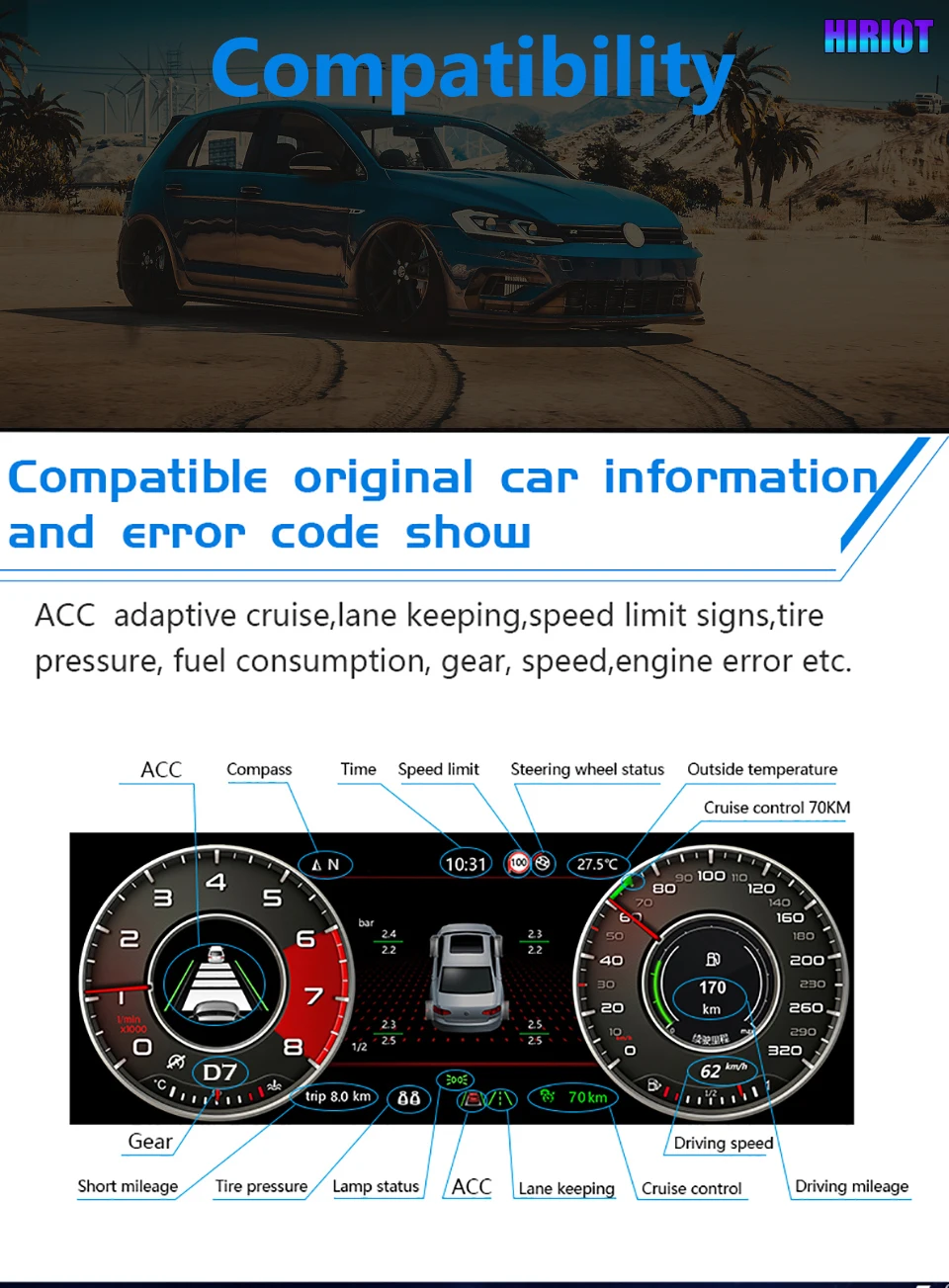
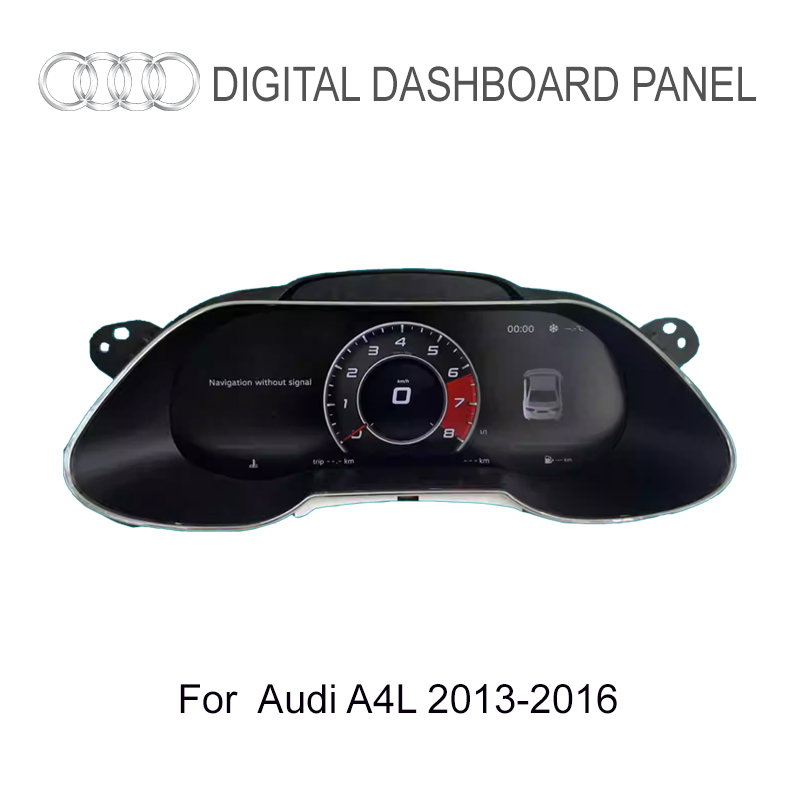
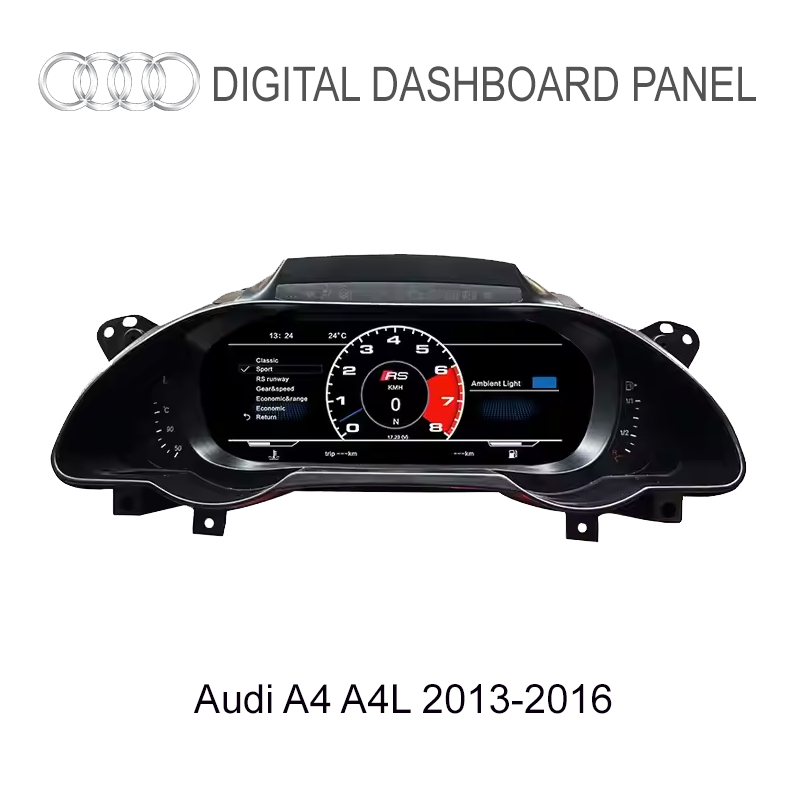
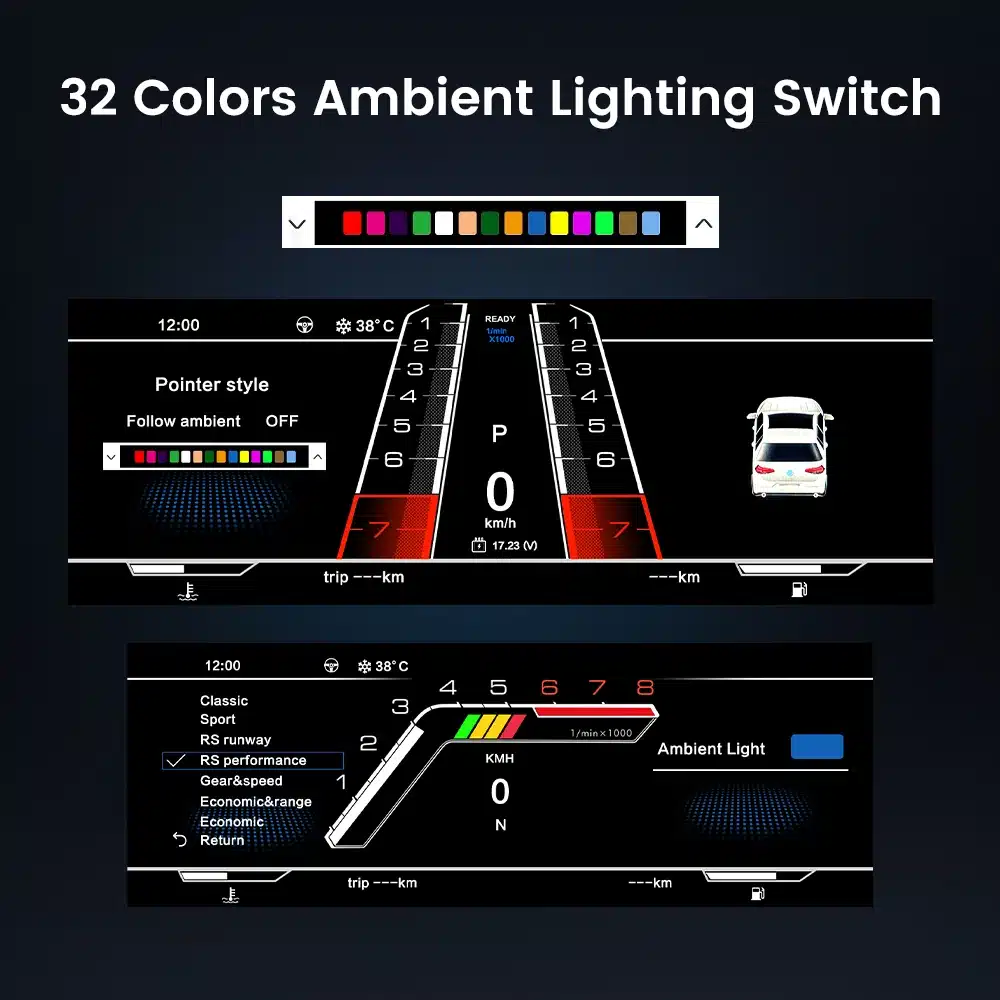
Dit digitale dashboard past perfect in mijn Audi A4L, en het 12,3-inch scherm is absoluut beter dan het originele dashboard. De kleuren zijn levendig en de interface is modern en intuïtief. Nu kan ik de snelheid, het brandstofverbruik en andere informatie eenvoudig in realtime volgen. Bovendien was de gratis verzending naar Italië een groot pluspunt!
Austin Sterling -
Dit gekocht voor mijn US-spec A4 B9 na bevestiging met de verkoper over de A4L/A4-compatibiliteit. De clusterhardware is identiek! De digitale meters zien er ongelooflijk scherp uit, passend bij de OEM Virtual Cockpit 100%. De verkoper heeft mijn kilometerstand vooraf ingesteld vóór verzending. De beste budgetvriendelijke manier om de lelijke analoge naalden te verwijderen.
Kayla Peterson -
Ziet er in mijn A4 B8.5 erg modern uit. De navigatie direct voor de bestuurder bevalt me het beste.