
















Hoe controleer je de compatibiliteit van het digitale cluster voordat je het koopt
Gids voor compatibiliteit met digitale instrumenten: hoe u dit controleert vóór aankoop
Een van de meest voorkomende vragen van Volkswagen- en Audi-eigenaren is simpel: “Past dit digitale instrumentenpaneel in mijn voertuig?”
Het eerlijke antwoord is dat de compatibiliteit van een digitaal instrumentenpaneel niet alleen op basis van het bouwjaar van het voertuig kan worden bevestigd. Een correcte fitmentcontrole moet het originele instrumentenpaneel, de vorm van het dashboard, het voertuigplatform, de rijpositie, het installatietraject en of de koper kiest voor een OEM-stijl digitaal instrumentenpaneel of een gebruikte OEM Virtual Cockpit beoordelen.
Deze gids legt uit hoe u de compatibiliteit van een digitaal instrumentenpaneel controleert vóór bestelling, welke foto’s u moet sturen en hoe u het risico op aankoop van de verkeerde digitale dashboard-upgrade verkleint.
Direct antwoord: Hoe weet u of een digitaal instrumentenpaneel compatibel is?
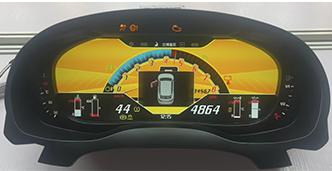
Waarom alleen het voertuigjaar niet voldoende is
Veel kopers vragen zich af of een digitaal instrumentenpaneel past op een bepaald modeljaar, zoals een 2016 Audi A4, een Passat B8, een Golf, een A5, een Q5 of een TT. Het voertuigjaar is nuttig, maar het is niet voldoende voor een betrouwbare beslissing over de pasvorm van een digitaal instrumentenpaneel.
Volkswagen- en Audi-voertuigen kunnen verschillende dashboardindelingen, instrumentenpaneelframes, afwerkingsvormen en platformconfiguraties hebben binnen dezelfde generatie. Een vervanging van het digitale instrumentenpaneel die op de ene uitvoering past, kan zonder bevestiging niet op een andere uitvoering passen.
De vorm van de behuizing, het buitenframe en de originele weergavestijl zijn belangrijke indicatoren voor de pasvorm.
De afwerking, bevestigingspunten en omliggende dashboardpanelen kunnen de installatie beïnvloeden.
Verschillen tussen PQ-, MQB- en Audi-platforms kunnen verschillende upgrade-routes vereisen.
De foto’s die elke koper moet sturen vóór het bestellen
De snelste manier om compatibiliteit met het digitale instrumentencluster te bevestigen, is door vóór het bestellen duidelijke foto’s te sturen. Dit is vooral belangrijk voor de compatibiliteit van het VW digitale instrumentencluster, de compatibiliteit van het Audi digitale instrumentencluster, de pasvorm van Virtual Cockpit en projecten voor vervanging van het digitale dashboard.
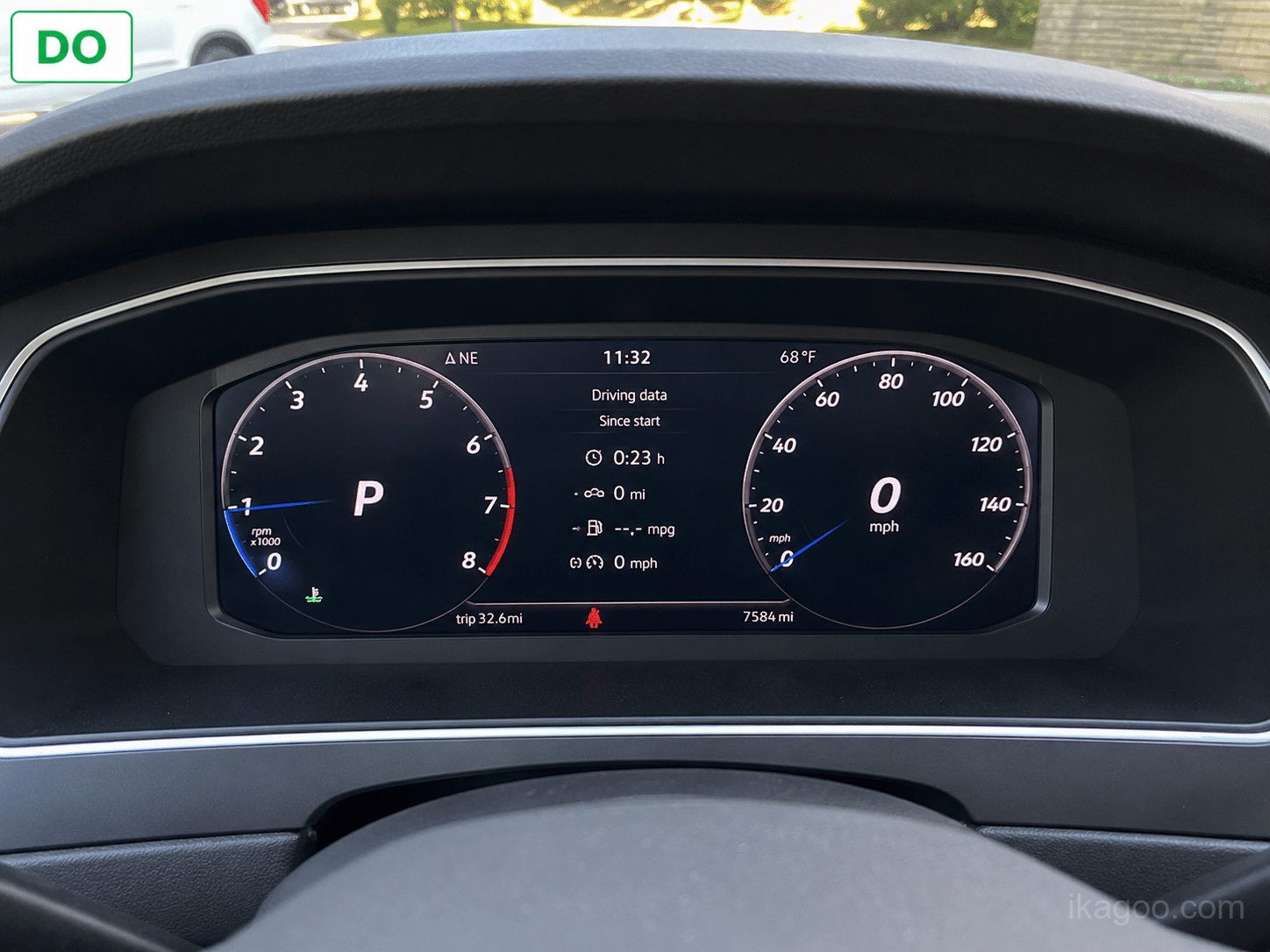
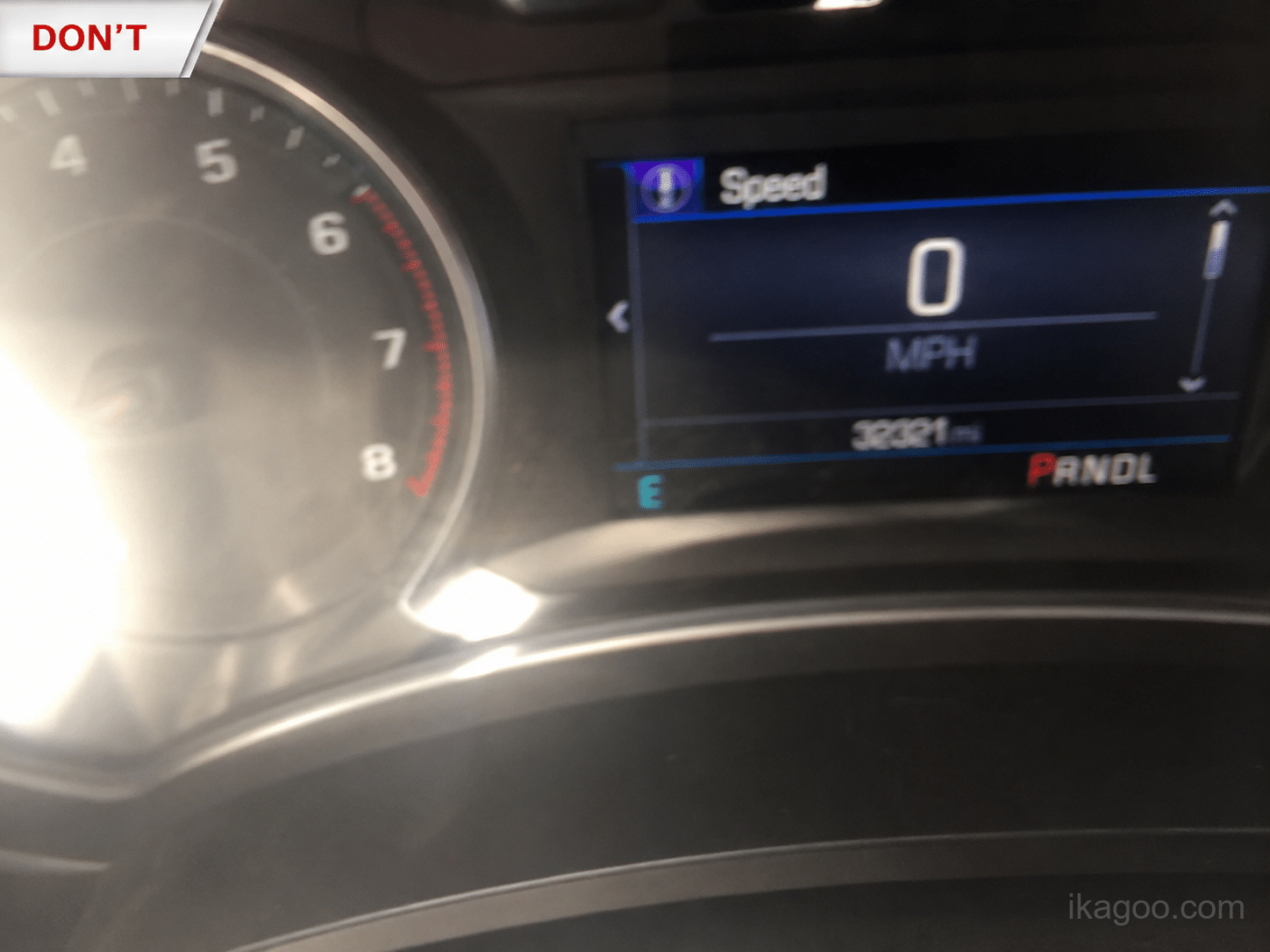
- Voertuigmodel en modeljaar
- Originele foto van het instrumentencluster
- Volledige foto van het dashboard
- Huidige foto van het middenscherm als CarPlay, kaartweergave of projectie betrokken is
- Informatie over links- of rechtsgestuurde uitvoering
- Eventuele eerdere aanpassingen aan het dashboard of instrumentencluster
Checklist voor compatibiliteit van digitaal instrumentencluster
| Controlepunt | Waarom het belangrijk is | Vereist vóór bestelling? |
|---|---|---|
| Voertuigmodel en jaar | Helpt het platform en mogelijke clusterroute te verfijnen. | Ja |
| Originele clusterfoto | Toont de clustervorm, het frame en de oorspronkelijke display-indeling. | Ja |
| Dashboardfoto | Bevestigt de omliggende afwerking, het montagegebied en de dashboardstructuur. | Ja |
| LHD of RHD | Voor sommige upgrade-routes is mogelijk aparte bevestiging nodig op basis van de rijpositie. | Ja |
| Foto van het middenscherm | Belangrijk wanneer CarPlay, navigatieweergave, HDMI/DP-projectie of spiegeling betrokken is. | Aanbevolen |
Veelvoorkomende fouten bij compatibiliteit van digitale clusters
Veel installatieproblemen met digitale clusters beginnen al vóór het product wordt verzonden. De meest voorkomende fout is kopen op basis van alleen het bouwjaar of de modelnaam.
Een modeljaar onthult niet altijd de vorm van het dashboard, de platformroute of het oorspronkelijke instrumentenpaneelontwerp.
Without photos, the seller may not see key fitment details that determine whether the cluster will match.
Used OEM Virtual Cockpit units, OEM-style digital clusters and vehicle-specific retrofit kits have different requirements.
Driving position should be confirmed before purchase, especially for UK, Australia, New Zealand and other RHD markets.
Used OEM Virtual Cockpit Compatibility vs OEM-Style Digital Cluster Compatibility
A used OEM Virtual Cockpit can be a genuine factory component, but it may require more than physical installation. Many used OEM cluster projects can involve coding, component protection, immobilizer adaptation, key matching or dealer-level programming.
An OEM-style digital cluster upgrade is different. It is not an official factory part, but the buying path can be more practical for many owners because compatibility can be reviewed before shipment using dashboard photos and vehicle information.
- Factory donor hardware
- May require coding or ODIS-level support
- May involve component protection
- Unknown used-part history
- New retrofit hardware
- Compatibility review before shipment
- Vehicle-specific upgrade route
- More predictable support path
Does Plug-and-Play Mean It Will Fit Every Vehicle?
No. Plug-and-play should not be understood as universal fitment. For digital cluster upgrades, plug-and-play usually means using matched wiring and factory connection routes without cutting the original harness.
How iKagoo Confirms Digital Cluster Compatibility
iKagoo recommends compatibility review before shipment for vehicle-specific digital cluster upgrades. This helps reduce wrong-part risk and gives buyers a clearer route before ordering.
Send vehicle model, year and market version.
Send original cluster, dashboard and center screen photos.
Confirm fitment, driving position and upgrade route before shipment.
When Should You Avoid Ordering Immediately?
- The seller confirms fitment only by vehicle year.
- Your original cluster shape does not match the product photos.
- You cannot provide a clear dashboard photo.
- You are buying a used OEM cluster without access to a coding workshop.
- You need CarPlay, navigation display or projection support but have not confirmed the required route.
Related iKagoo Digital Cluster Guides
If you are checking digital cluster compatibility before buying, these iKagoo guides can help you move from fitment review to installation support, product comparison and vehicle-specific confirmation.
Use this manual after purchase or during setup to understand VW and Audi cluster operation, support routes and update guidance.
Read the User Manual →Check PQ and MQB platform compatibility for Golf, Passat, Tiguan, Jetta, Polo and related Volkswagen models.
View Compatibility Table →Compare new OEM-style retrofit clusters with used OEM Virtual Cockpit options, including coding, cost and compatibility risks.
Compare Upgrade Options →Review what to confirm before ordering a digital instrument cluster upgrade, especially if you are still in the buying research stage.
Read Upgrade Guide →Useful for Audi buyers who want a vehicle-specific installation reference before deciding whether a digital cluster route is realistic.
View Audi A3 Guide →Review the MQB Golf installation route and understand what installation usually involves after compatibility is confirmed.
View Golf MQB Guide →Use this as a Passat B8-specific installation reference after confirming digital cluster compatibility.
View Passat B8 Guide →After checking compatibility, browse available iKagoo digital cluster options and confirm your vehicle before ordering.
View Digital Cluster Options →Final Recommendation
Digital cluster compatibility should always be checked before purchase. The most reliable review combines vehicle model year, original cluster photos, dashboard photos, driving position and the intended installation route.
If you are not sure whether a VW or Audi digital cluster will fit your vehicle, do not guess from the model year alone. Prepare the photos first, then confirm the route before ordering.
Need Help Checking Digital Cluster Compatibility?
Browse available digital cluster upgrade options and prepare your dashboard photos before ordering.


Add comment
Je moet ingelogd zijn op om een reactie te plaatsen.